Create project
To create a new project, click on the Create project button on the projects list page.
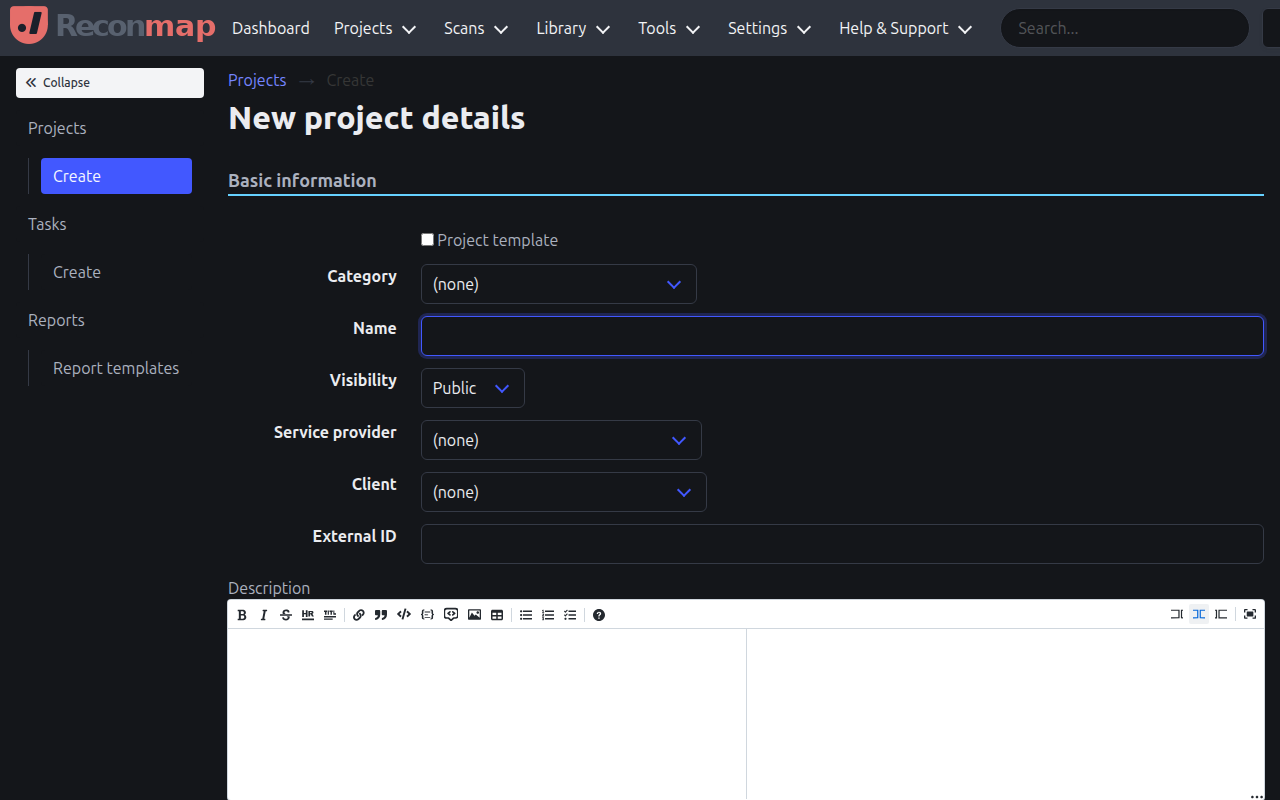
When creating a project, you can specify:
- Name: The name of the engagement or assessment.
- Description: A detailed description of the project goals and scope.
- Client: The client for whom the project is being performed.
- Category: The type of project (e.g., Network Pentest, Web App Assessment).
- Service Provider: The organisation performing the assessment.
- Dates: The start and end dates for the engagement.
- Visibility: Whether the project is private or public within the organisation.
You can also create a project based on a template to reuse settings and tasks.