Projects list
The projects view provides an overview of all active engagements and security assessments. From this view, you can see the project name, client, category, and engagement dates.
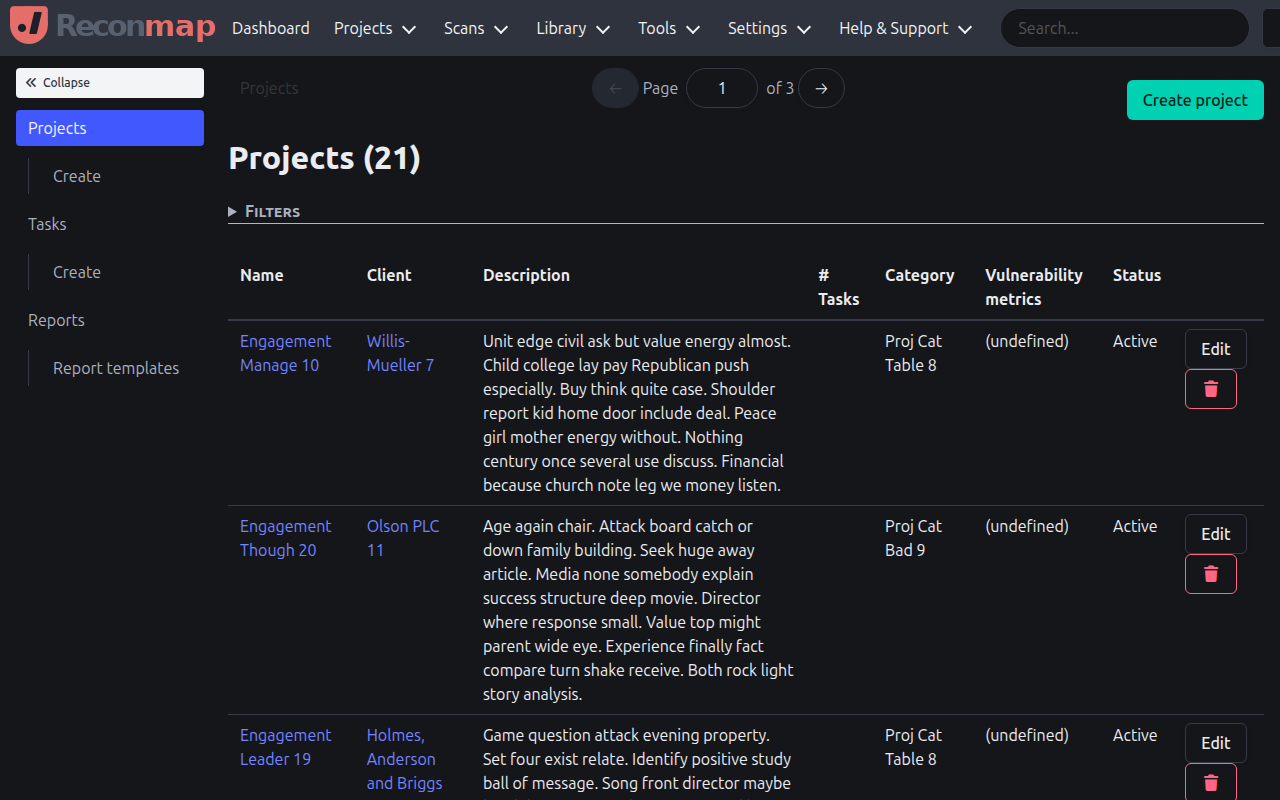
From the projects list you can:
- Create a new project by clicking the Create project button.
- View project details by clicking on the project name.
- Filter projects by name, client, or category.
- Archived projects can be found in the system tools section or by using the search.
Each project card shows its category and client, and the engagement start and end dates.