Create vulnerability
To create a new vulnerability finding, click on the Create vulnerability button on the vulnerabilities list page or within the project details view.
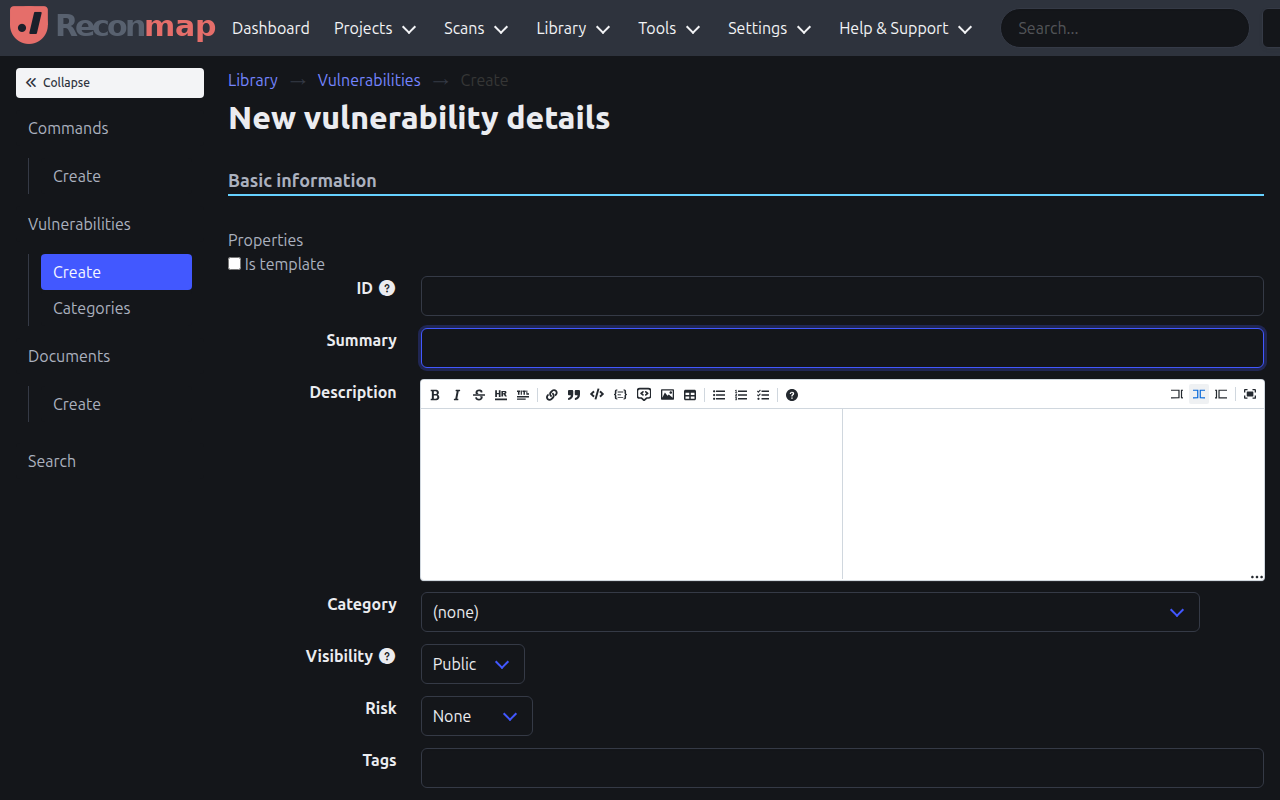
When creating a vulnerability, you can specify:
- Summary: A concise summary of the finding.
- Description: A detailed description of the vulnerability and its location.
- Risk level: The severity of the finding (none, low, medium, high, critical).
- Status: The current state of the finding (open, confirmed, resolved, closed).
- Category: The vulnerability category (e.g., Access Controls, Authentication).
- Project: The project this finding belongs to.
- Affected assets: One or more assets that are affected by this vulnerability.
- Impact: The potential impact of exploitation.
- Remediation: How to fix or mitigate the vulnerability.
You can also use templates to quickly populate common vulnerabilities.