Vulnerability details
The vulnerability details view shows all the information related to a single vulnerability, including summary, description, risk level, status, and related assets.
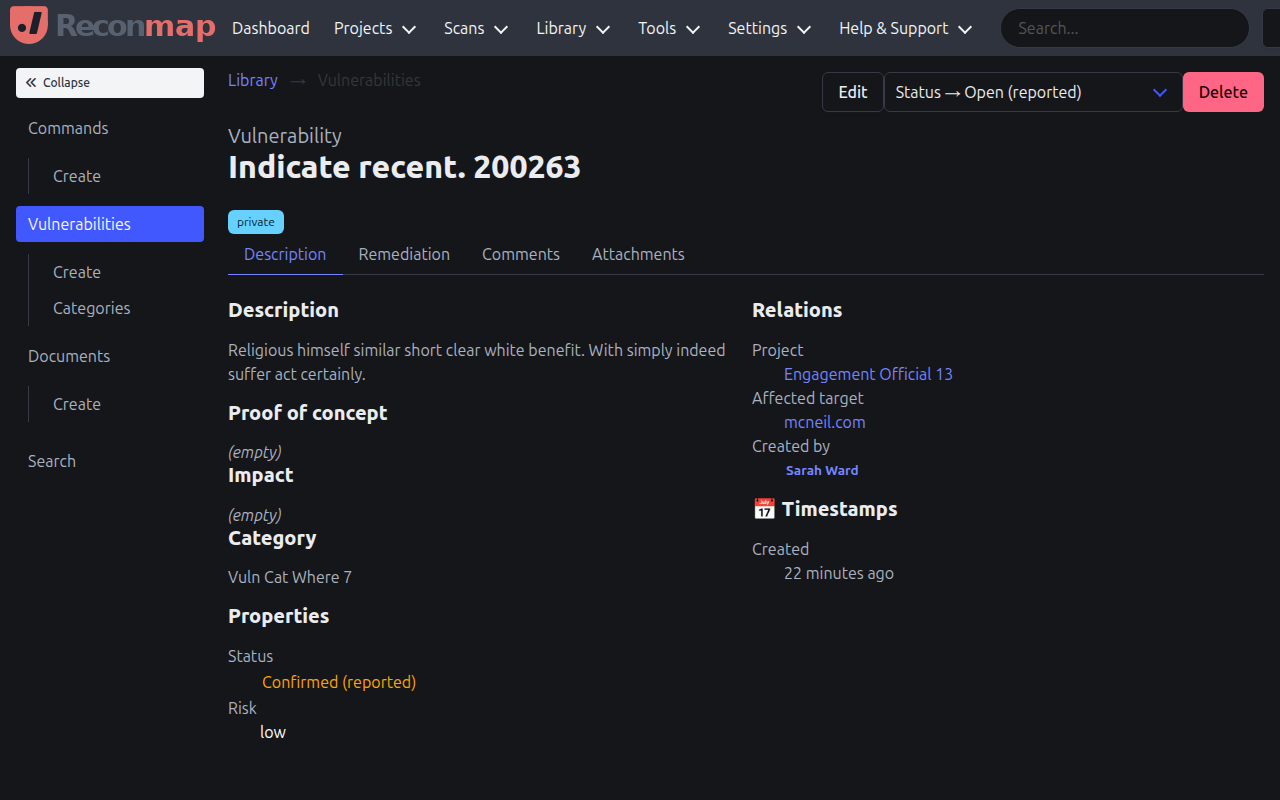
From the vulnerability details view, you can:
- Edit the vulnerability summary, description, impact, and remediation information.
- Change the risk level (none, low, medium, high, critical).
- Update the vulnerability status (open, confirmed, resolved, closed).
- View and manage assets affected by this vulnerability.
- Add notes and attachments as evidence.
- View vulnerability history and audit logs.
- Map the vulnerability to OWASP categories and CVE IDs.
The vulnerability details view is where you can document findings and evidence of exploitation.