Create finding
To create a new finding, click on the New finding button on the findings list page or within the project details view.
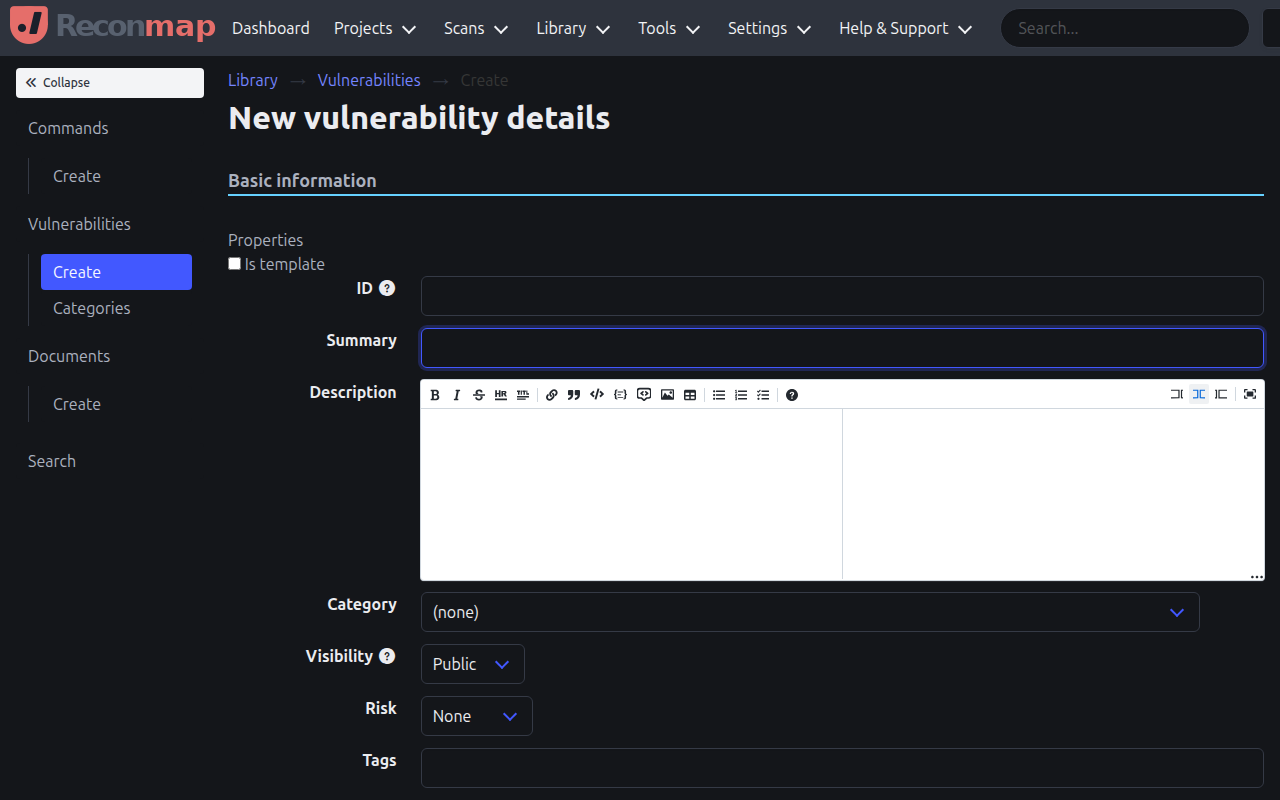
When creating a finding, you can specify:
- Summary: A concise summary of the finding.
- Description: A detailed description of the finding and its location.
- Risk level: The severity of the finding (none, low, medium, high, critical).
- CVSS score: An optional CVSS score, when one is available.
- Status: The current state of the finding (open, confirmed, resolved, closed).
- Category: The finding category (e.g., Access Controls, Authentication).
- Project: The project this finding belongs to.
- Affected assets: One or more assets that are affected by this finding.
- Impact: The potential impact of exploitation.
- Remediation: How to fix or mitigate the finding.
You can also use templates to quickly populate common findings.