Finding details
The finding details view shows all the information related to a single finding, including summary, description, risk level, status, and related assets.
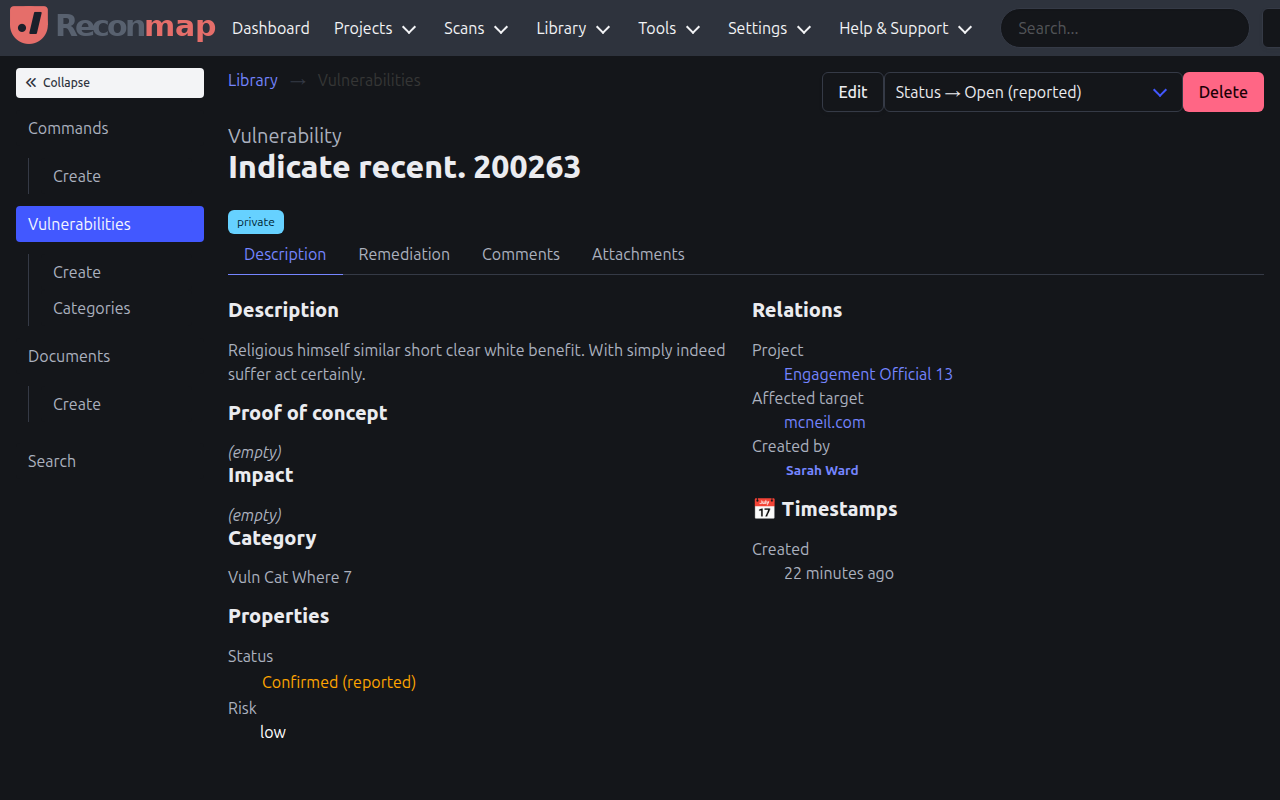
From the finding details view, you can:
- Edit the finding summary, description, impact, and remediation information.
- Change the risk level (none, low, medium, high, critical).
- Update the finding status (open, confirmed, resolved, closed).
- View and manage assets affected by this finding.
- Add comments and attachments as evidence.
- View finding history and audit logs.
- Map the finding to CVE IDs.
The finding details view is where you can document findings and evidence of exploitation.