Two-factor authentication
Reconmap can be configured to ask users for 2FA authentication. The login process with 2FA once is enabled is quite simple and similar to others found in other Web applications.
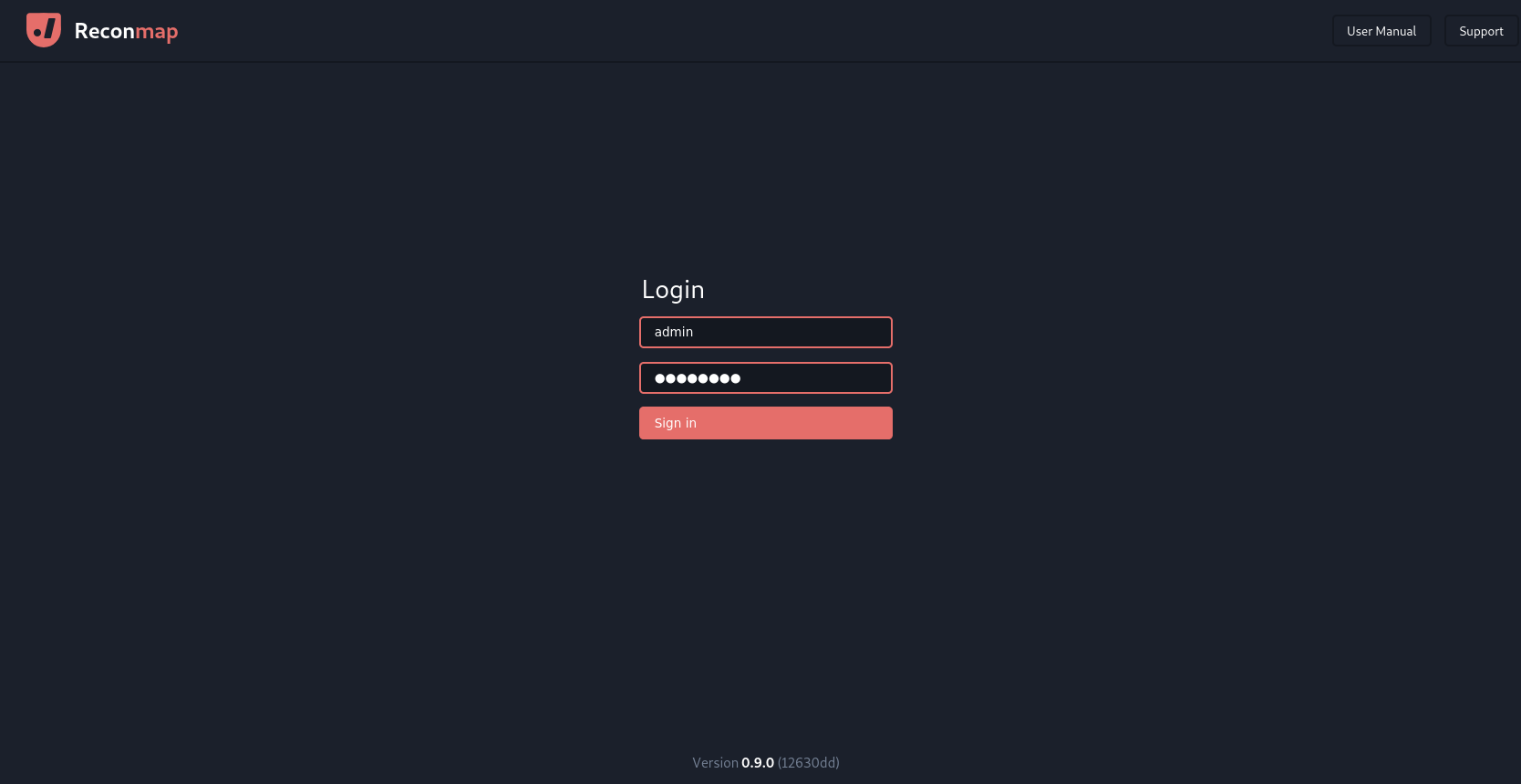
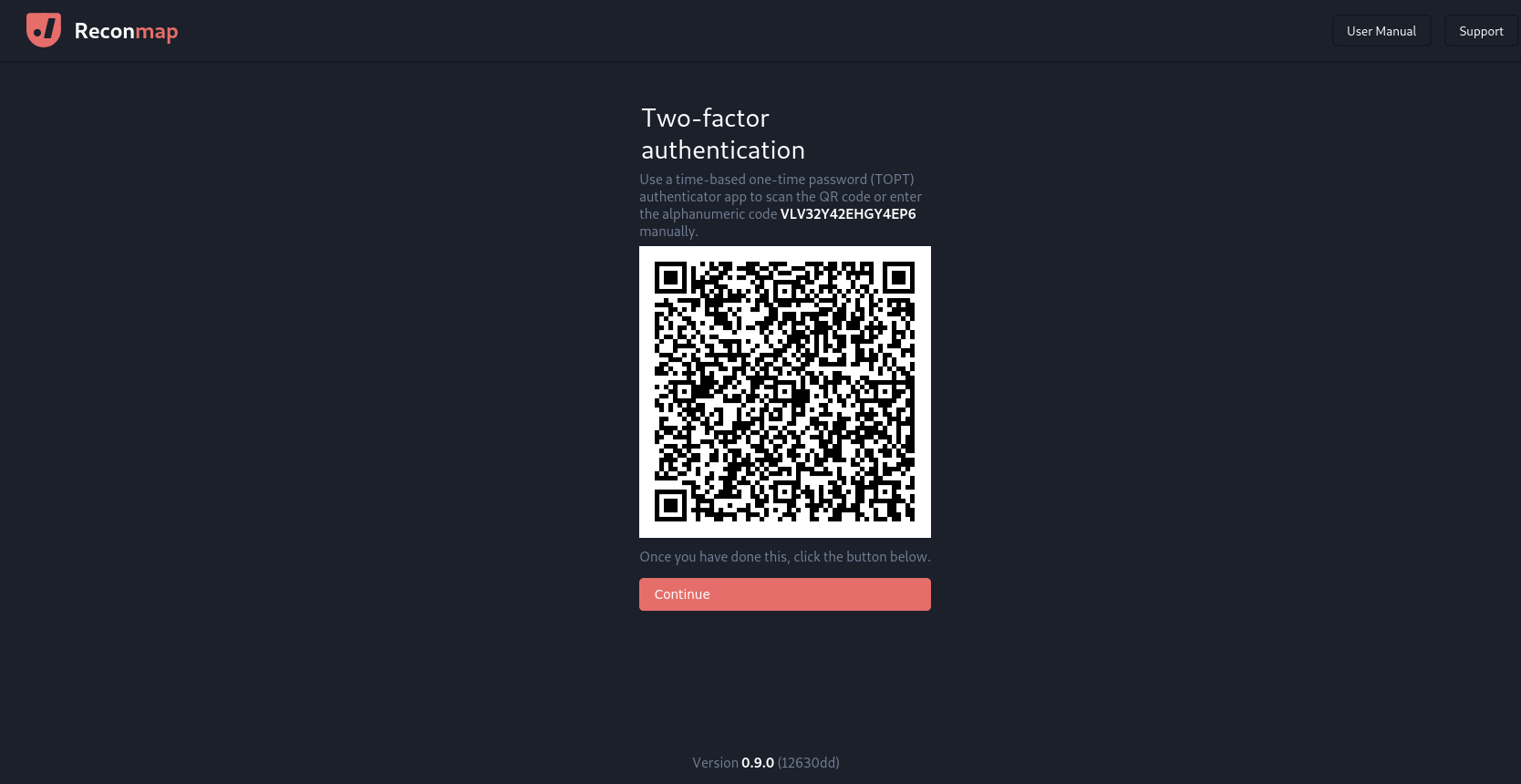
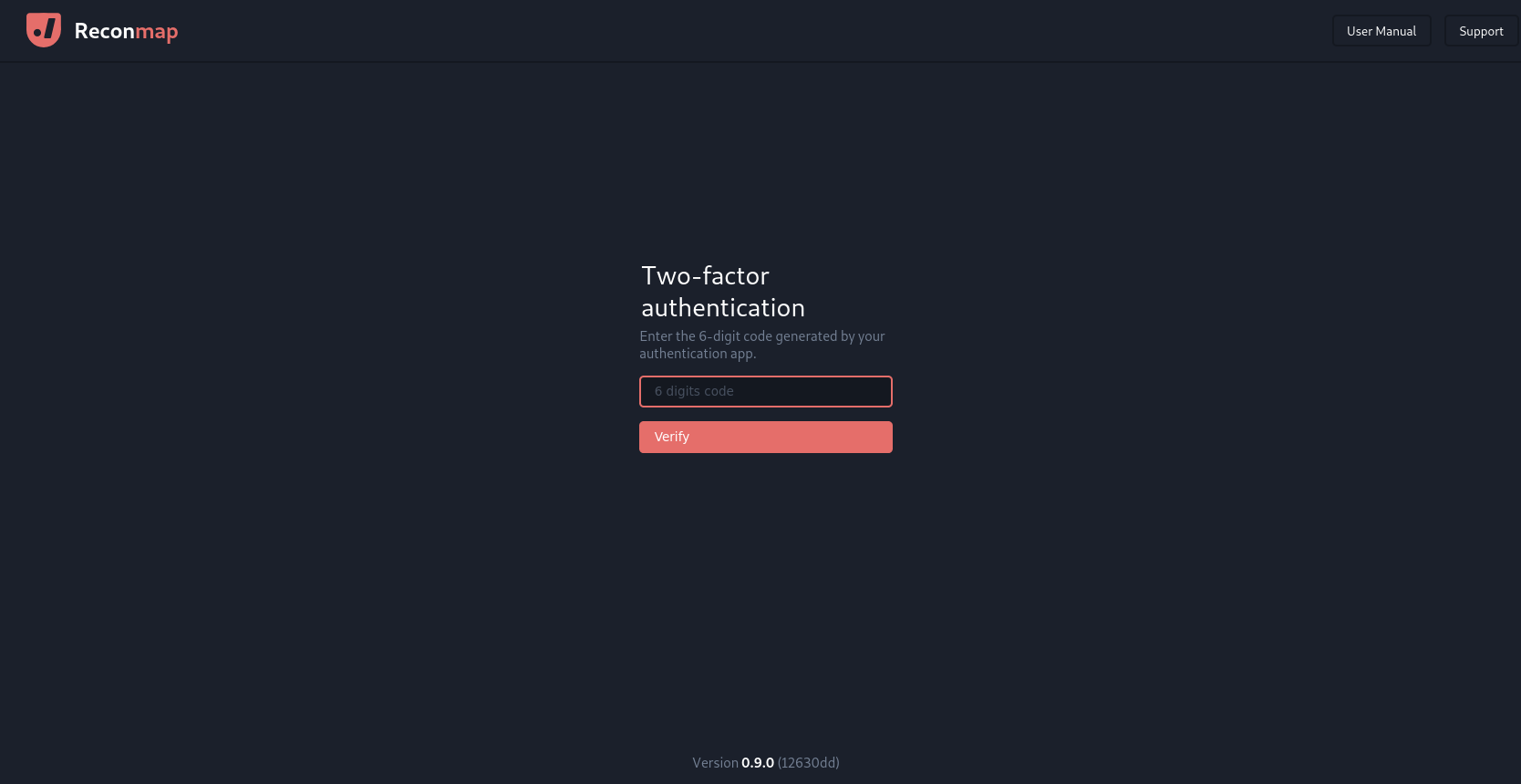
Enabling 2FA for a user
Administrators can open a user's profile and select Enable MFA. This does not create an OTP secret on the user's behalf: Keycloak cannot generate one through its admin API. Instead, Reconmap adds the Keycloak required action CONFIGURE_TOTP to the user. At their next login, Keycloak asks the user to scan a QR code and enter a code from their authenticator app, and the MFA status shown in Reconmap changes to enabled once that is done.
Users can also set up 2FA themselves from their account settings.