User preferences
Your language, theme and timezone are your preferences. To change them, open the user menu in the top bar, choose Your profile, select Edit, and find the Preferences section.
The timezone lets others see dates and times relative to where you live, and shows when you might be available to chat and discuss your projects.
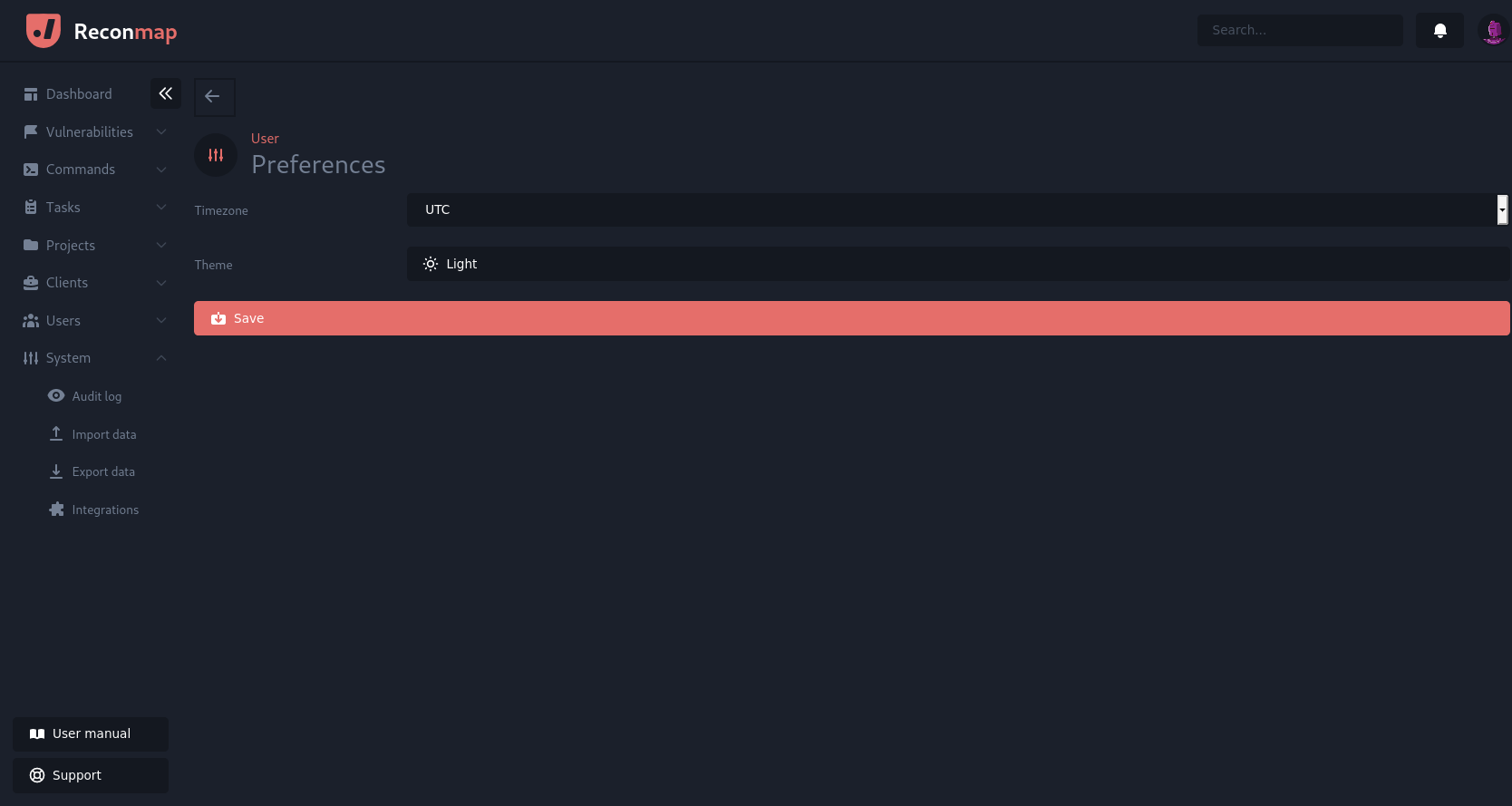
You can also choose the dark or light theme in this section.
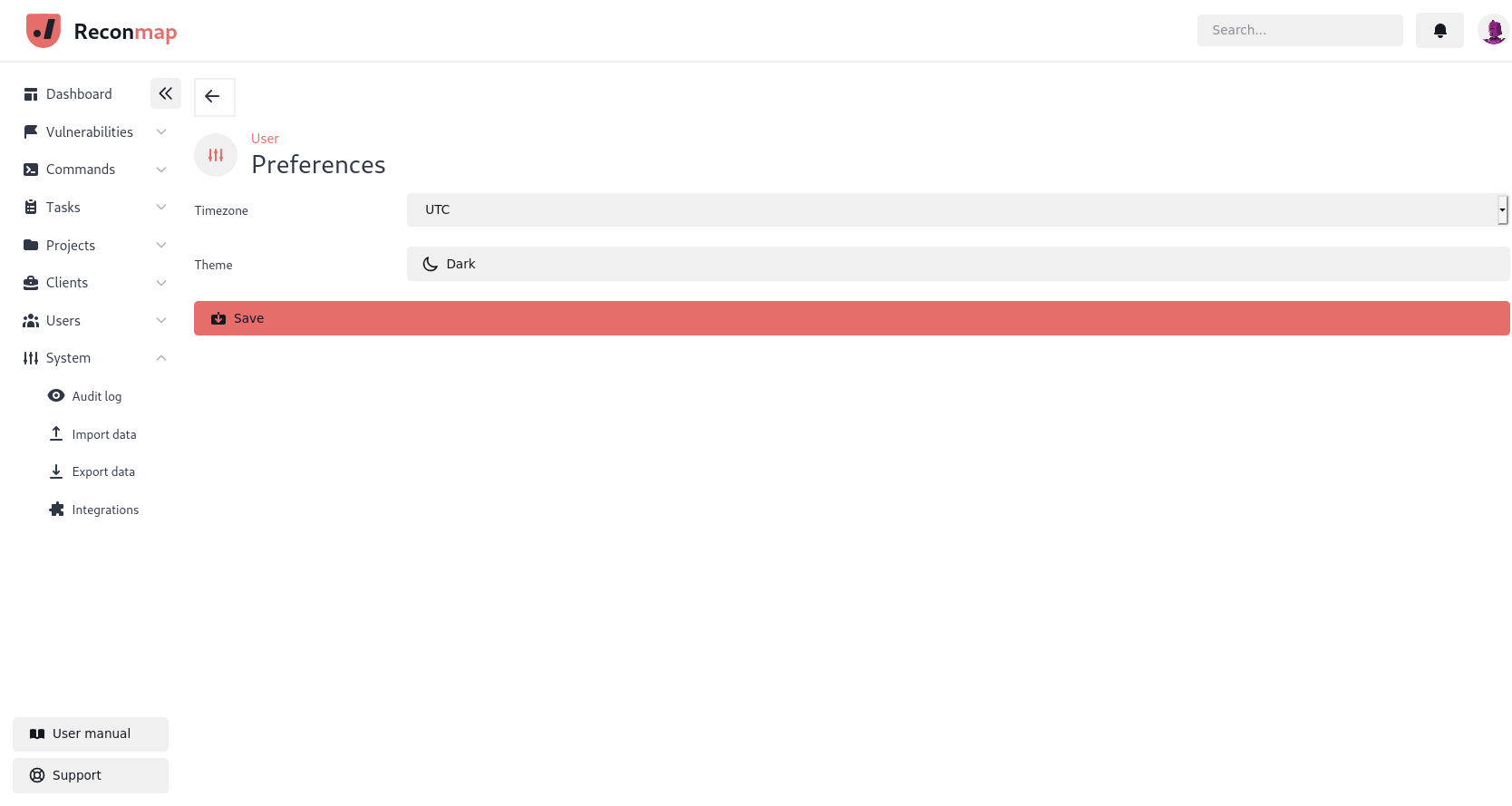
Everyone can see these preferences, but only you can change them. Administrators can view them on the user's edit page but not change them.